Participants of the United States Antarctic Program can find online or file-based training below. If you have been directed to view any of the training below, please notify your supervisor or USAP representative once completed.
 |
Posted July 19, 2023
This YouTube video series covers the practical aspects of radio operations, maintenance, and troubleshooting for the U.S. Antarctic Program in Antarctica, particularly at the McMurdo and South Pole Stations. Included are:
- An Introduction to the ITS Antarctica Radio Operations Series for the National Science Foundation
- Staying Grounded in Antarctica
- Tutorial Part 1 of 3 - Identifying Possible RF Signal Interference
- Tutorial Part 2 of 3 - Identifying Possible RF Signal Interference
- Tutorial Part 3 of 3 - Identifying Possible RF Signal Interference
|
 |
Posted December 16, 2019
Creating an environment of civility and respect aboard the USAP vessels is ultimately about safety, and fosters a positive work environment that contributes to mission success.
|
 |
Posted December 16, 2019
Module Two of the "Shipboard Civility - Fostering a Respectful Work Environment" video training.
|
 |
Posted May 24, 2018
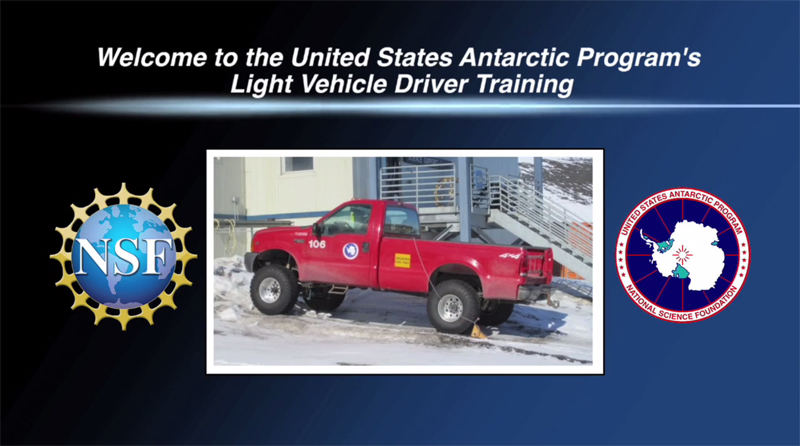
The Driver Safety Training video demonstrates proper procedures for operating and maintaining light vehicles at McMurdo Station. This includes the vehicle inspection checklist, starting, manuevering, and parking, as well as operating the vehicle on multiple surfaces.
|
 |
Posted October 27, 2023
The McMurdo Dry Valleys Antarctic Specially Managed Area (ASMA), supports many visitors and overnight stays each year. This video provides general guidelines for personal behavior during overnight stays in the Dry Valleys ASMA. Topics include safety, camp protocol, keeping repetitive human activity to a defined area, eliminating the introduction of non-native species, fuel and waste handling, and more.
|
 |
Posted October 27, 2023
The McMurdo Dry Valleys ecosystem contains irreplaceable geological and biological features that could be easily and irreversibly damaged by human activity. This video explains the different zones in the Dry Valleys, the restrictions in place at each, and expected conduct to be followed. Topics include safety, camp protocol, spill and release procedures, preventing the disturbance of natural features, and more.
|